
 Contact
 Login


Screenshots and technical reference articles use Japanese.
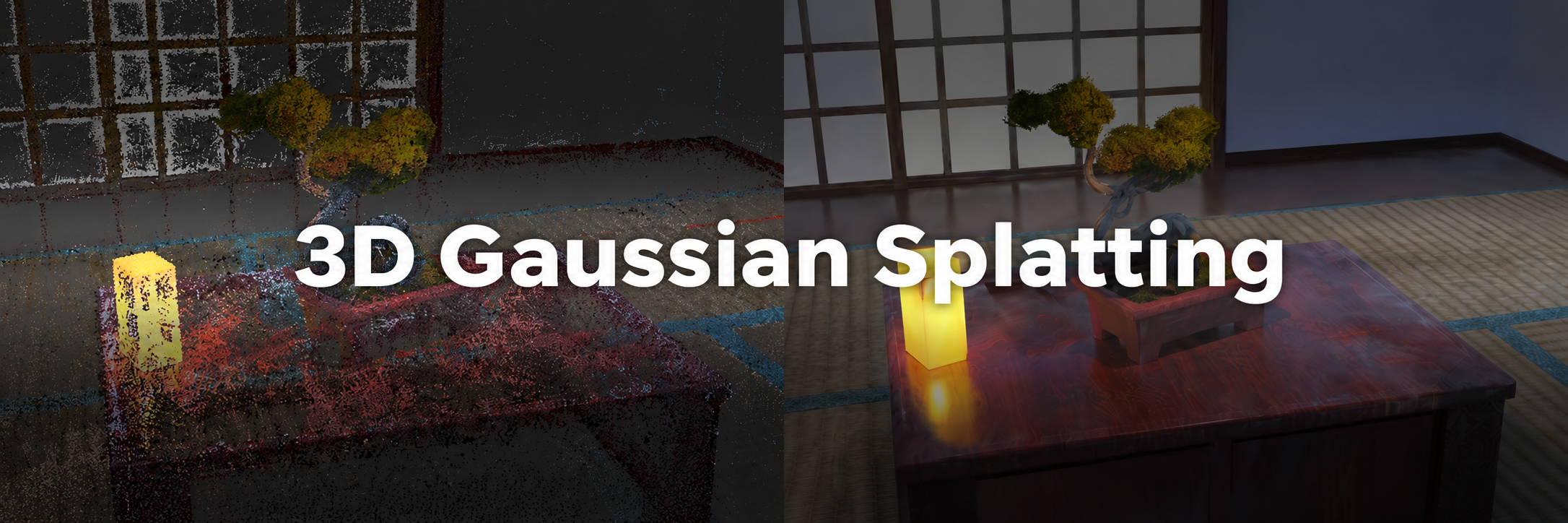
Shade3D Ver.27 supports 3D Gaussian Splatting (3DGS) in Professional and higher editions.
3DGS is a next-generation rendering technology that uses AI to reconstruct 3D spatial data from multiple photographs or videos, reproducing objects and surrounding scenery in high quality and in real time.
In Shade3D, you can display this data in the drawing view, edit it with point cloud tools, and combine it with existing polygon or free-form surface models to create high-quality assets.
This page explains the 3DGS features introduced in Shade3D Ver.27.1, helping you use the latest tools to improve modeling and visual expression.
Supported editions
3DGS is available in the Professional, Civil and Ultimate editions of Shade3D Ver.27 and later.
For the feature comparison by edition, see this page
System requirements
Use a system that meets the requirements for Shade3D Ver.27 Professional, Civil or Ultimate.
As stated in the system requirements, the CPU, OS and hardware must also meet the requirements listed under Fluid Simulation.
For system requirements, see this page
How 3DGS differs from point clouds
A point cloud is a collection of points containing coordinates and color information, often captured with a 3D scanner. Gaps between the points become visible when you zoom in.
3DGS represents a photorealistic space using ellipsoids derived from images or videos. These ellipsoids carry appearance information such as color, transparency and brightness, and Gaussian distributions smoothly blend the spaces between them.
A Gaussian (normal) distribution is a symmetric, bell-shaped probability distribution with most values concentrated around the mean.
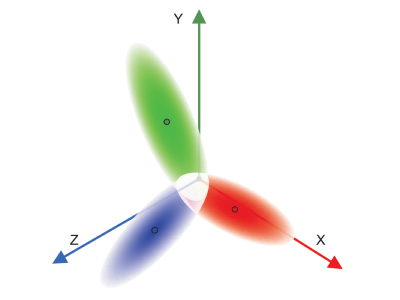
Ellipsoids represented by Gaussian distributions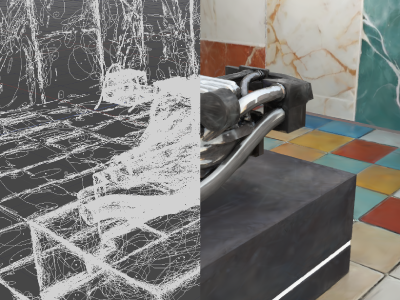
A photorealistic space reproduced with 3DGS ellipsoids
Make full use of 3DGS in Shade3D
Combine 3DGS with polygon meshes and other 3D models to create high-quality scenery and object assets. Import and export glTF files to use 3DGS models in VR and metaverse environments, enabling efficient use of high-quality data.
You can also convert 3DGS into polygon meshes.
Export 3DGS to metaverse environments in glTF format
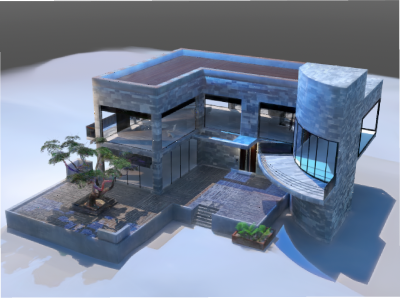
3DGS displayed in Shade3D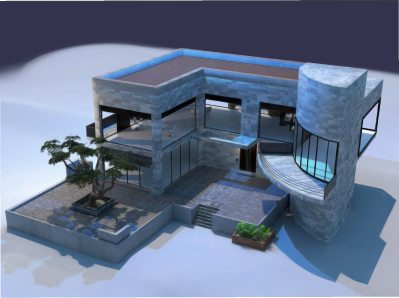
3DGS displayed in a compatible viewer
Shade3D supports importing and exporting 3DGS models in glTF format.
On export, the Spherical Harmonics Output Degree setting can reduce view-dependent color information. Depending on the use case, a small reduction in appearance quality, such as gloss, can reduce the output file size by up to 75%.
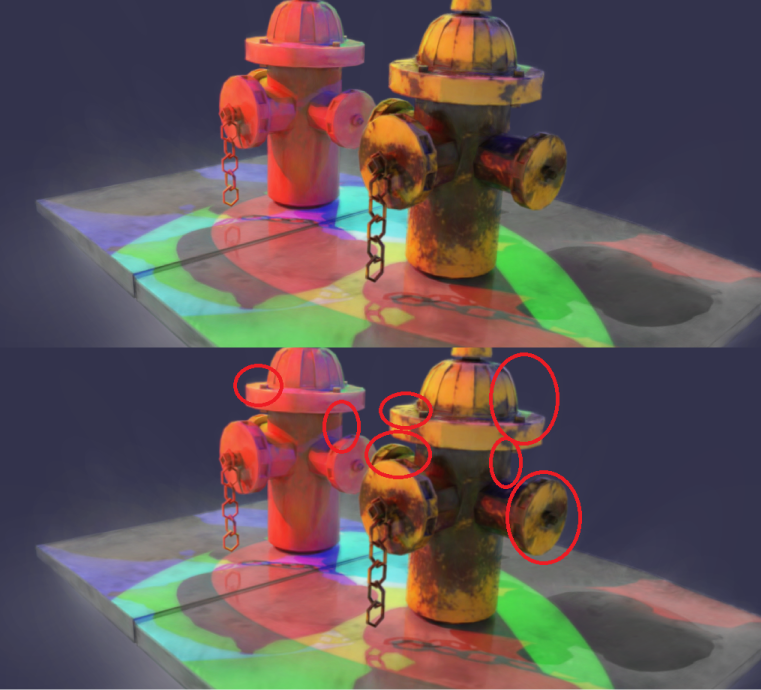
Spherical harmonics output degree: 0. Data size: 57 MB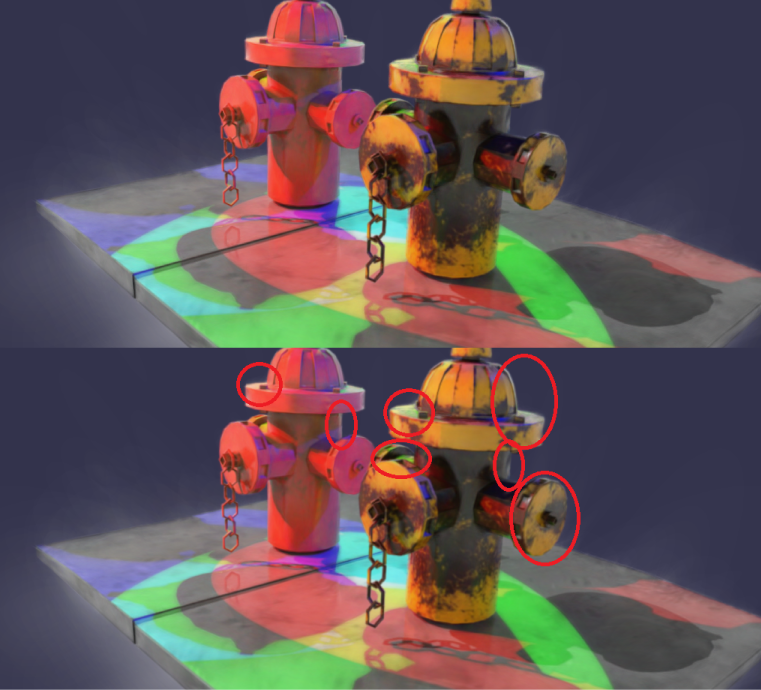
Spherical harmonics output degree: 3. Data size: 230 MB
The images above show an extreme example of the difference between spherical harmonics output degrees 0 and 3.
At degree 3, the result reflects view-dependent changes in light, including gloss and Fresnel reflections (reflections seen at a shallow angle to a surface), rather than only differences in brightness.
At degree 0, view-dependent changes in light are reduced, but the file size is much smaller.
For data in which these changes are not prominent, consider exporting at degree 0 to reduce file size.
Compatibility informationUsing 3DGS models in glTF format requires software that supports both technologies.
Software without 3DGS support imports the data as a point cloud (a mesh of points).
If the software does not support point cloud data either, the shape will not be displayed.
Create high-quality polygon models with Wrapping Mesh
The Wrapping Mesh feature can now generate polygon meshes from 3DGS models.
It can capture detailed outer surfaces and transfer 3DGS colors to the polygon mesh as vertex colors, creating a mesh model that reflects the source appearance.
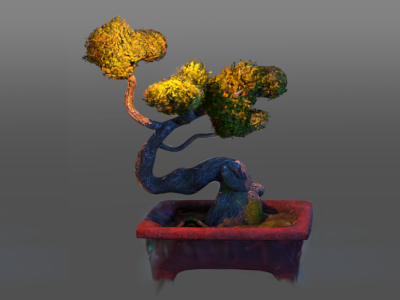
3D Gaussian Splatting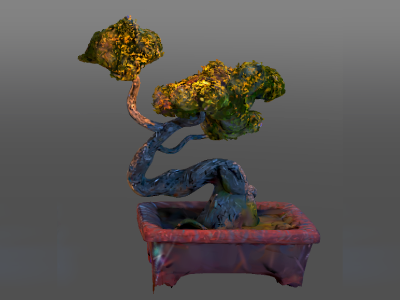
Polygon mesh
What is Wrapping Mesh?
Wrapping Mesh covers multiple selected shapes or an entire complex model with a single enclosing polygon mesh.
For more information, see the following websites.
- Preserve quadrilaterals with Wrapping Mesh (Japanese)
- Process shapes with holes, intersections or no thickness (Wrapping Mesh) (Japanese)
- What are vertex colors? (Japanese)
Wrapping Mesh can also combine 3DGS and point clouds with other shape types.
You can fill missing parts of a scan with polygon meshes or line shapes before generating the mesh. This makes the feature useful for filling holes and modifying models.
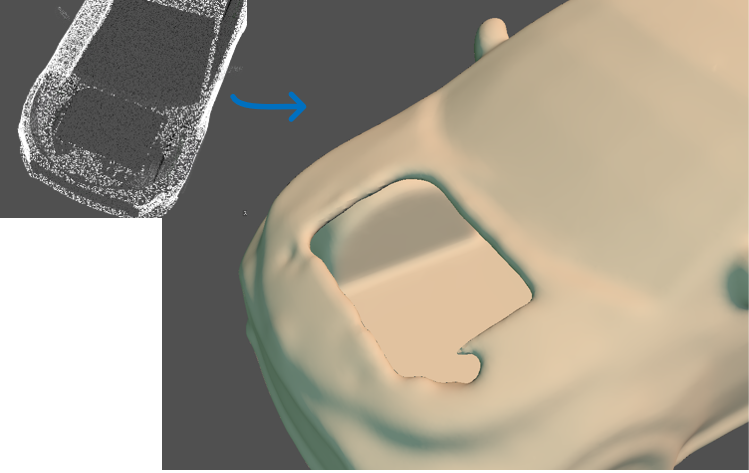
Wrapping Mesh applied to a point cloud alone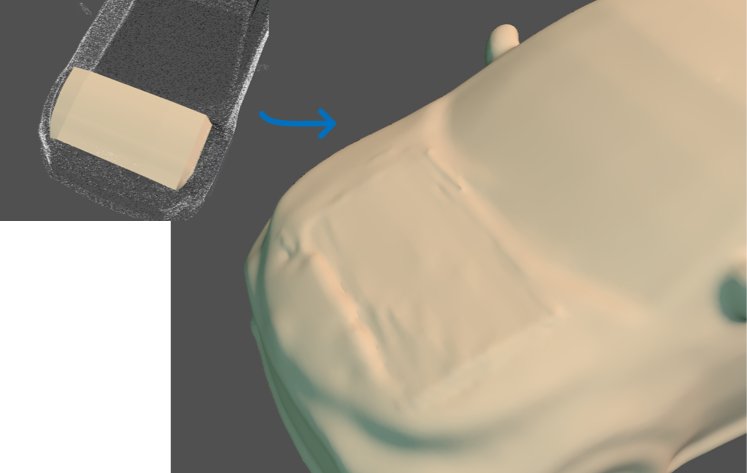
Wrapping Mesh applied to a point cloud and polygon mesh
Differences between PLY files
PLY is a general-purpose format used for both 3DGS and point clouds. Files with the same extension may contain 3DGS information, only point cloud information, or other types of data.
Check with the file’s creator or distributor to determine whether a PLY file contains 3DGS, a point cloud, or other data before using it.
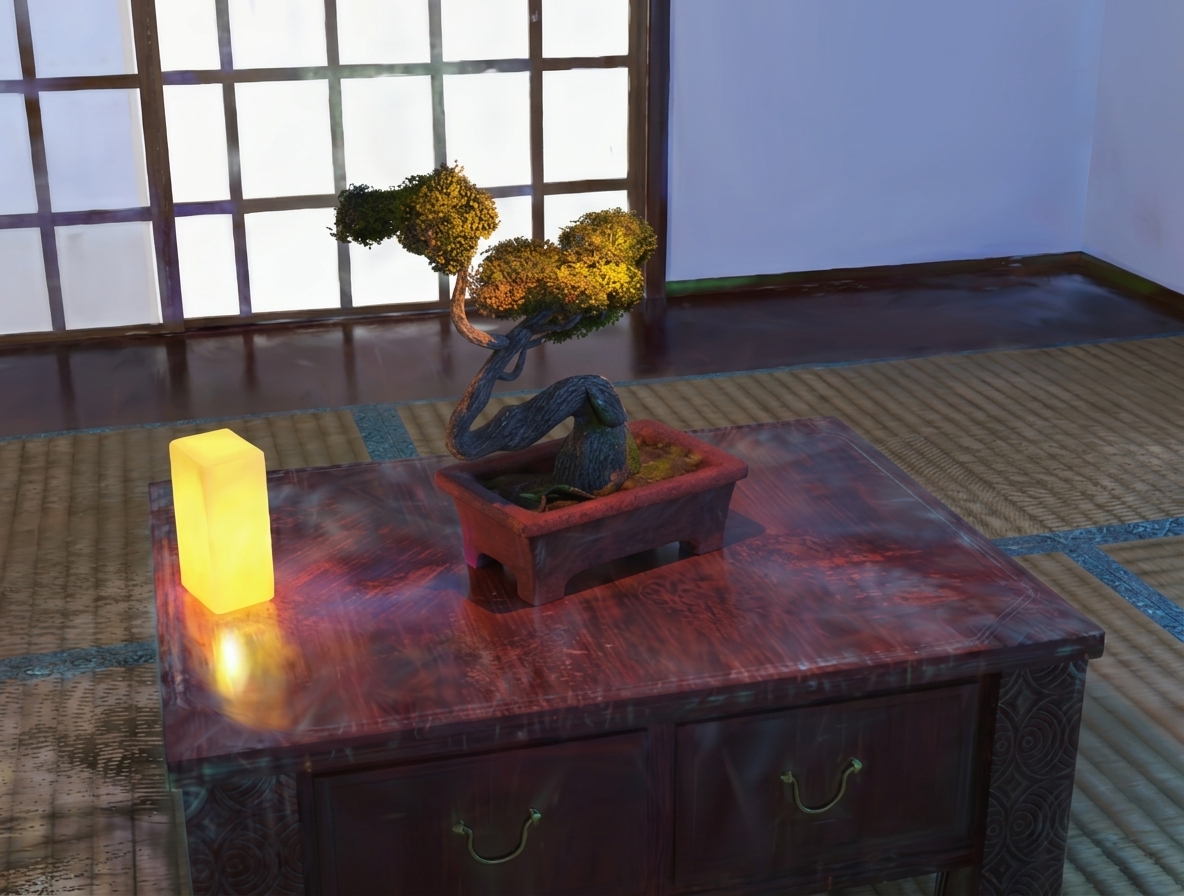
3D Gaussian Splatting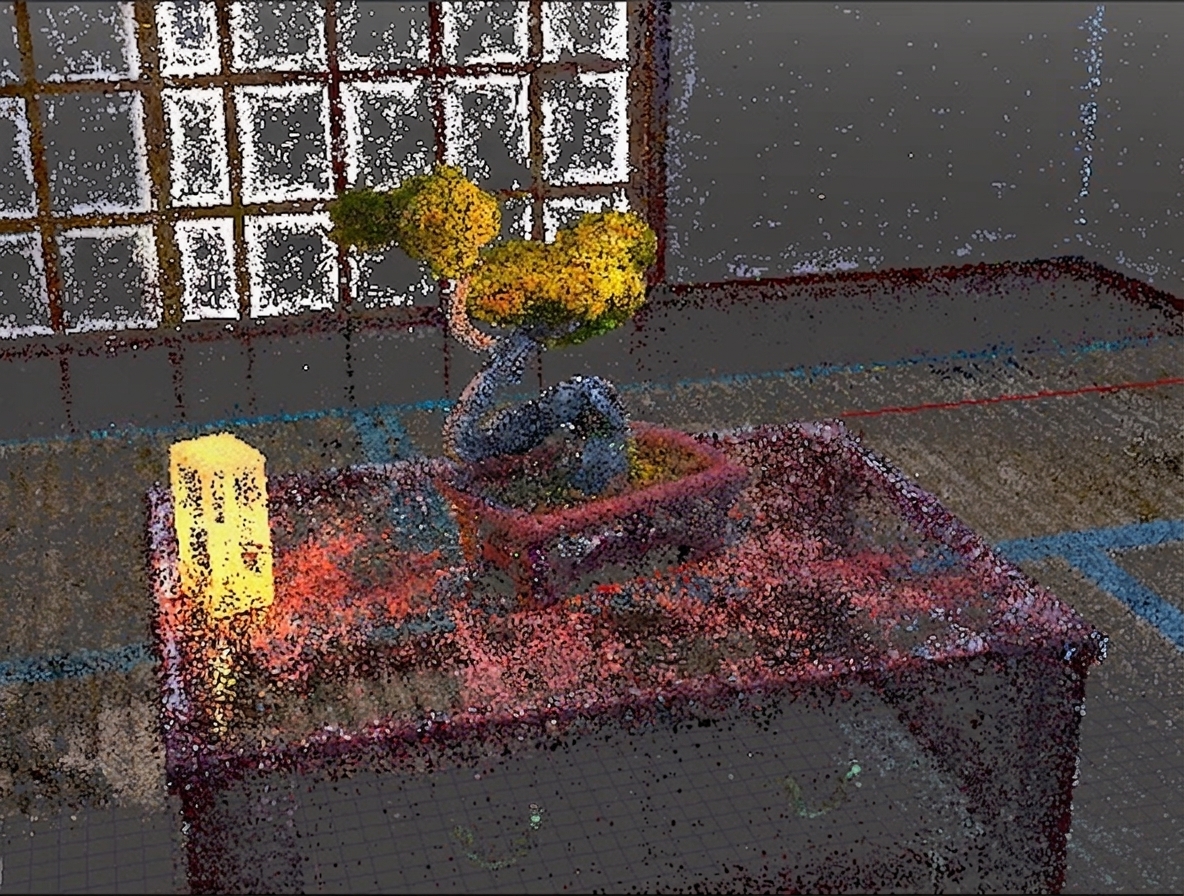
Point cloud data
A PLY file that does not contain 3DGS information will be treated as an ordinary point cloud on import.
Even if a file contains 3DGS information, importing it through File > Import > Point Cloud (las/pcd/ply/pts/xyz/xyzn/xyzrgb) loads it only as point cloud data.
To use 3DGS, choose File > Import > 3D Gaussian Splatting (ply) and select an appropriate file.